p    <- plot(hv_survival(sample_survival_data(n = 500, seed = 42)))
p_ms <- p + theme_hv_manuscript()
p_ms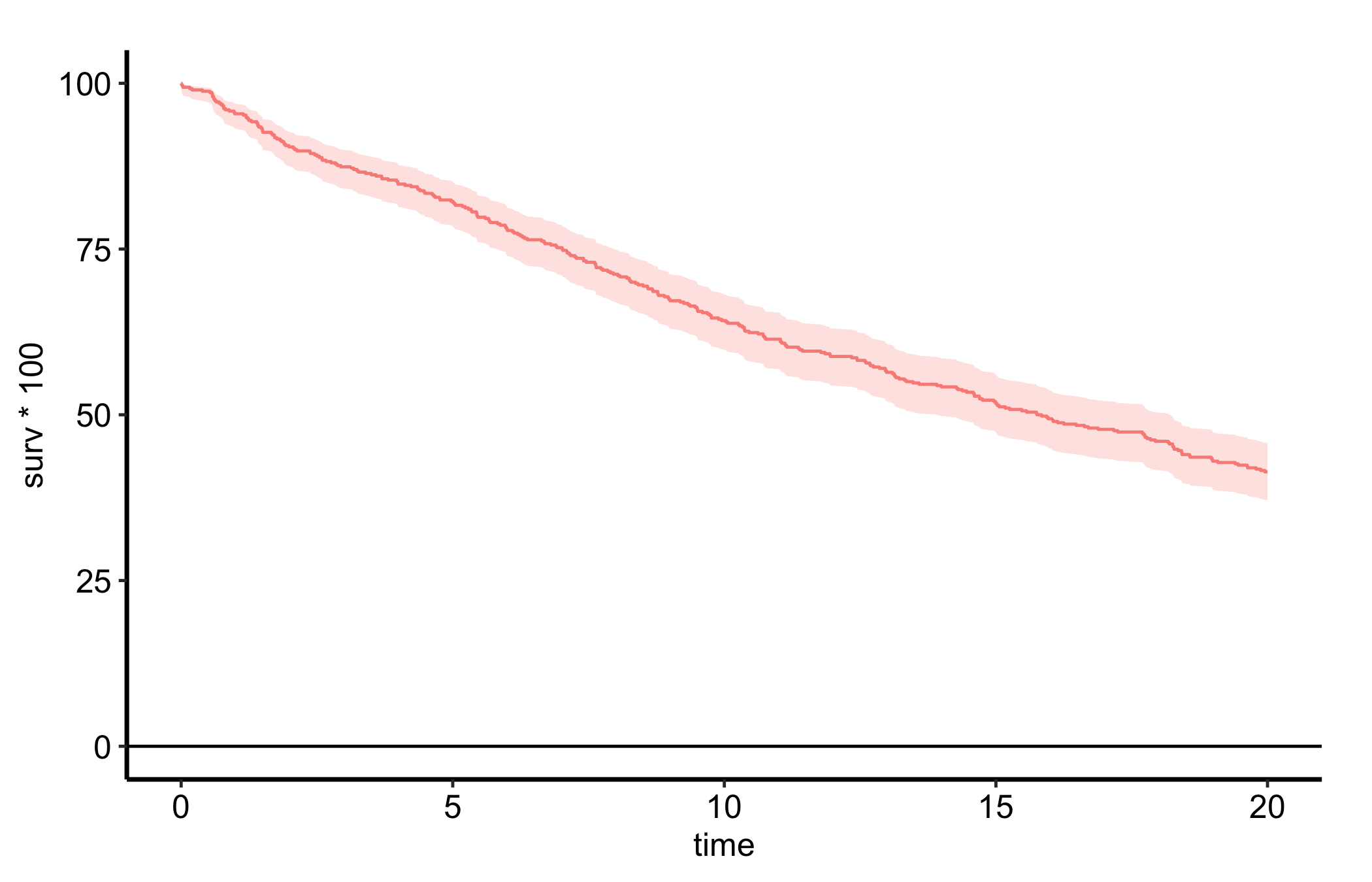
Journals impose hard constraints on figures: a fixed column or page width, a maximum height, and a vector format (PDF/EPS) so type and lines stay crisp at print resolution. The trap is that two figures saved at the same ggsave() dimensions rarely share the same data region: a longer axis label or a wider legend steals space from the panel, so the plotting area drifts from figure to figure. theme_hv_manuscript() sets a print-appropriate base size, and hv_ggsave_dims() pins the panel content area to a constant rectangle across a figure set.
theme_hv_manuscript() uses a 12 pt base on a white background — sized for the final printed page rather than the screen.
p <- plot(hv_survival(sample_survival_data(n = 500, seed = 42)))
p_ms <- p + theme_hv_manuscript()
p_ms
For most figures the quickest path is save_manuscript(), which writes a finished plot at the house manuscript size — 6 × 4 inches — in one call.
save_manuscript(p_ms, "trends_manuscript.pdf")It is the manuscript counterpart of save_ppt(): it fixes the output geometry, not the theme, so the 12 pt type comes from the theme_hv_manuscript() you have already applied. Override the size when a journal asks for it — for a single column, say save_manuscript(p_ms, "fig.pdf", width = 3.5, height = 3) — and pass device = cairo_pdf to embed fonts where your system has cairo. The chunks in this section are eval: false because each writes a binary file.
save_manuscript(), like ggsave(), fixes the file dimensions but lets the panel float inside them. When you need the panel content area identical across several figures — so the data regions line up regardless of how much room each plot’s axis labels take — hv_ggsave_dims() inverts the problem: you specify the panel content area you want (the rectangular bounding box of the gtable cells tagged panel) and it returns the width/height/units such that ggsave() yields exactly that panel size, expanding the file to absorb axes, titles, and legend (the “chrome”). The result is a named list shaped to splat directly into ggsave() via do.call().
dims <- hv_ggsave_dims(p_ms, width = 6.5, height = 4.0, units = "in")

do.call(
  ggsave,
  c(
    list(filename = "trends_manuscript.pdf", plot = p_ms, device = cairo_pdf),
    dims
  )
)
cairo_pdf is the device of choice here: it embeds fonts and renders transparency and custom typefaces correctly, where the base pdf device can substitute fonts. The chunk is eval: false because it writes a binary file. The code is shown, not run during the book build.
For multi-panel figure sets where the data region must be identical across several PDFs regardless of label length, call hv_ggsave_dims() with the same width/height for each figure. Its slide-layout analogue, hv_ph_location(), computes officer::ph_location() coordinates so a panel lands at the same slide position in a deck.
save_ppt() writes the plot into a PowerPoint slide as editable DrawingML vector graphics via the officer and rvg packages: shapes, lines, and text remain selectable in PowerPoint, so co-authors can re-label or recolor without round-tripping back to R. It appends a slide to a template .pptx rather than overwriting it.
template <- system.file("ClevelandClinic.pptx", package = "hvtiPlotR")

p_ppt <- p + theme_hv_ppt_dark()

save_ppt(
  object       = p_ppt,
  template     = template,
  powerpoint   = "trends_slides.pptx",
  slide_titles = "Overall Survival",
  width        = 10.1,
  height       = 5.8
)
This chunk is eval: false because it writes a .pptx file. To anchor the panel content area at identical slide coordinates across a multi-slide deck (useful when axis-label widths differ between plots), pass panel_box = list(width, height, left, top); save_ppt() delegates to hv_ph_location() per slide.