p        <- plot(hv_survival(sample_survival_data(n = 500, seed = 42)))
p_poster <- p + theme_hv_poster()
p_poster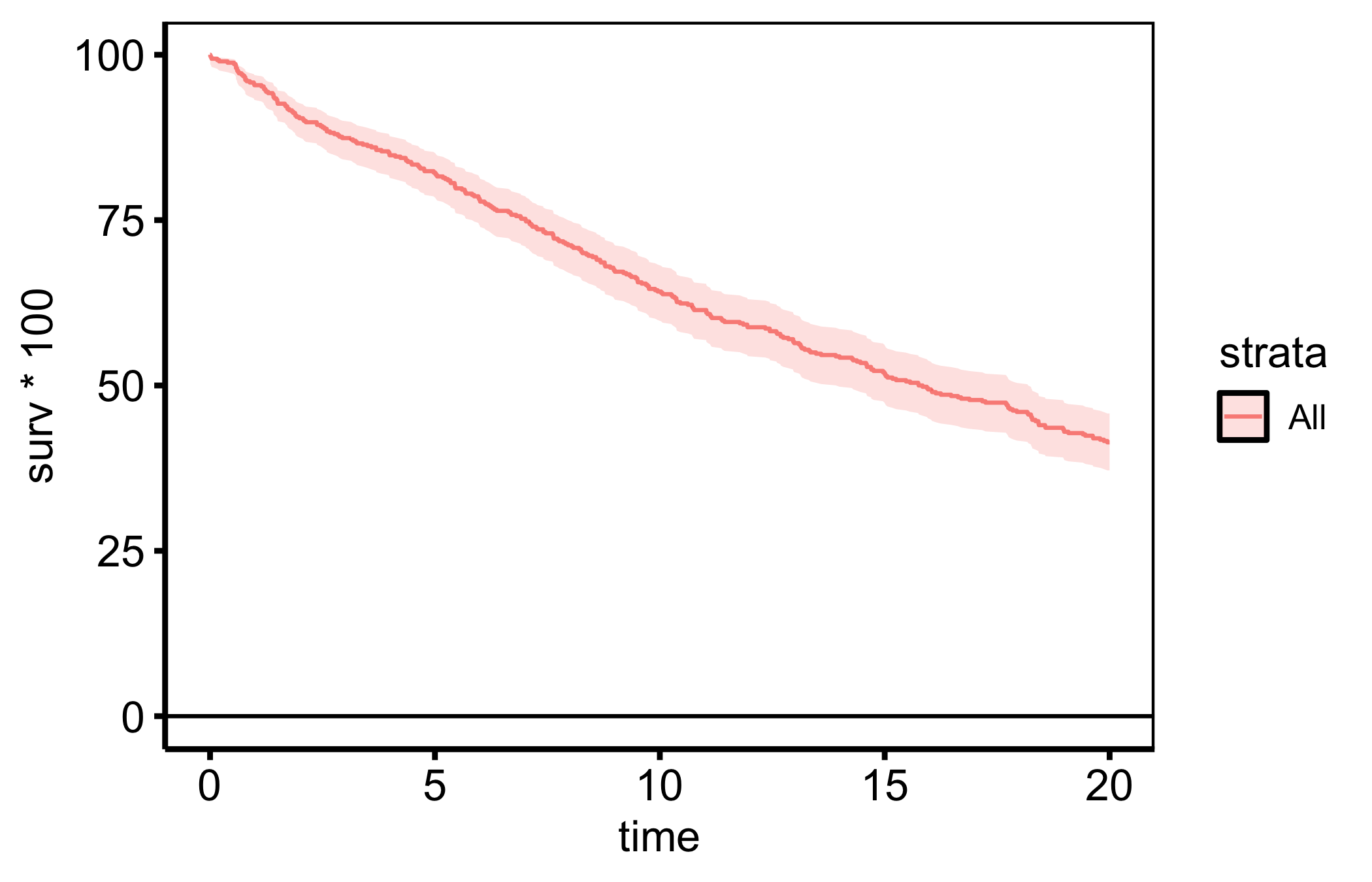
A poster is read from a metre away, not held at arm’s length. Text that looks generous on a manuscript page disappears on a poster panel. The fix is a larger base size so axis labels, titles, and the legend scale up together, plus a panel content area sized to the physical poster layout rather than a screen. theme_hv_poster() handles the typography; hv_ggsave_dims() pins the data region to the dimensions you reserve on the poster.
theme_hv_poster() uses a 16 pt base — every text element scales from it, so a single argument controls overall legibility.
p <- plot(hv_survival(sample_survival_data(n = 500, seed = 42)))
p_poster <- p + theme_hv_poster()
p_poster
For an even larger viewing distance, bump the base: theme_hv_poster(base_size = 24) enlarges the whole text hierarchy proportionally.
Poster figures are bigger than manuscript figures and usually slot into a fixed panel of the poster template. As with manuscripts, fix the panel content area rather than the file size: hv_ggsave_dims() returns width/height/units so the data region matches the rectangle you allotted on the poster, expanding the file to fit the (now larger) axis text and legend.
dims <- hv_ggsave_dims(p_poster, width = 12, height = 9, units = "in")

do.call(
  ggsave,
  c(
    list(filename = "trends_poster.pdf", plot = p_poster, device = cairo_pdf),
    dims
  )
)
The chunk is eval: false because it writes a binary PDF. The code is shown, not executed during the book build. cairo_pdf embeds the poster fonts so the enlarged type renders exactly as designed. Calling hv_ggsave_dims() with the same width/height for every figure on the poster keeps the data regions aligned across panels, regardless of how much room each plot’s labels consume.